
Import your existing Excel and CSV files straight into Innico. Keep the forecasting habit your team knows, lose the spreadsheet chaos.
Already have items, prices or customers in a spreadsheet? Import them straight into Innico so you start with real data from day one, instead of at zero.
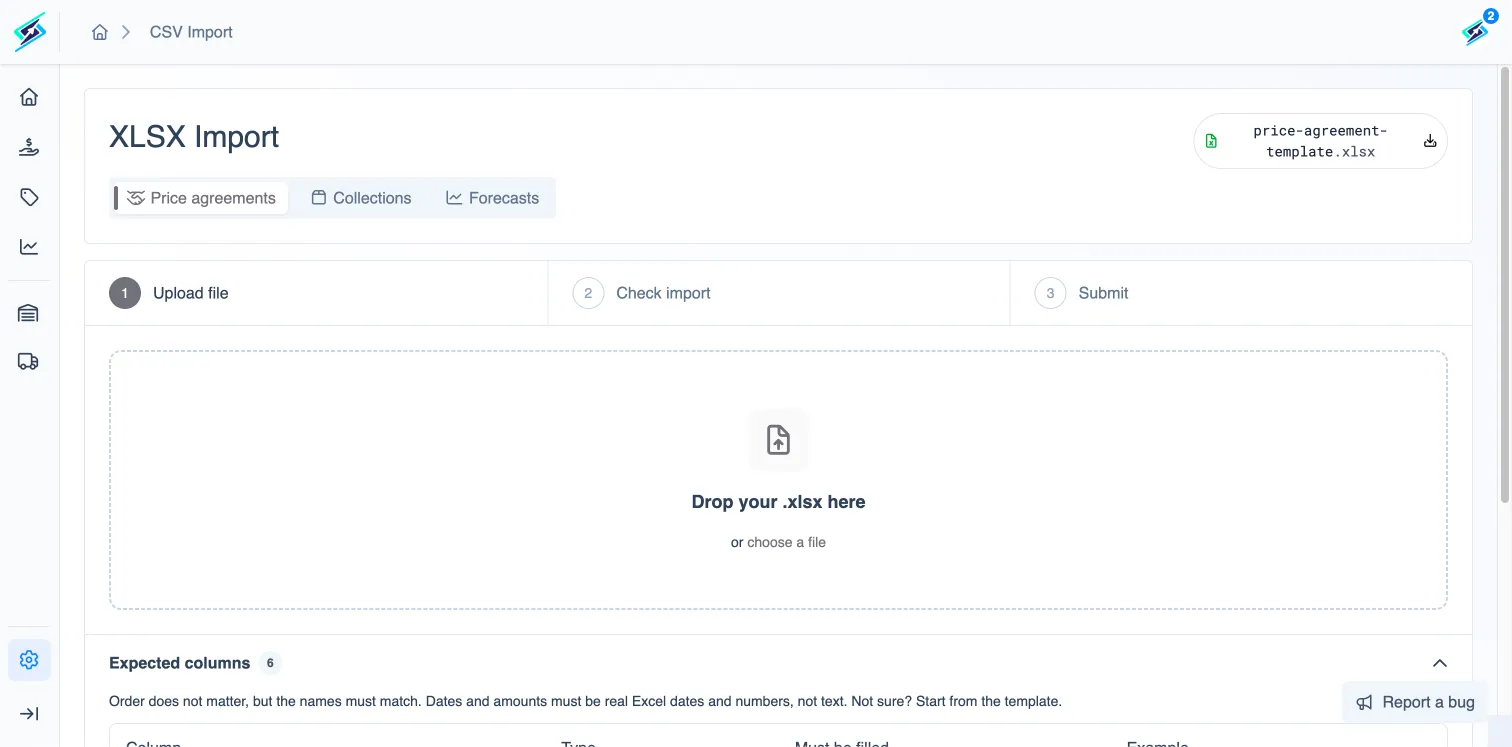
Upload a .csv or .xlsx file and Innico turns it into working data, ready to use in your forecasts, pricing and planning.
Import your product or item master data in bulk.
Import price lists and customer-specific pricing agreements.
Import customer and company records.
Import existing forecasts, so you don't start from zero.
Every dataset in Innico can be exported back to .xlsx, so the file never has to stay locked inside the app.
Export items, prices, companies or forecasts back to .xlsx for colleagues who still work in spreadsheets.
Use an .xlsx export as a quotation for customers who don't have access to Innico.
Upload your first Excel file today, and export back to .xlsx whenever you need to.